

2D Postprocessing#
The menu only displays the 2D Postprocessing panel if the design is solved and results are extracted by the toolkit.
You have four 2D postprocessing categories:
RCS
Range profile
Waterfall
ISAR 2D
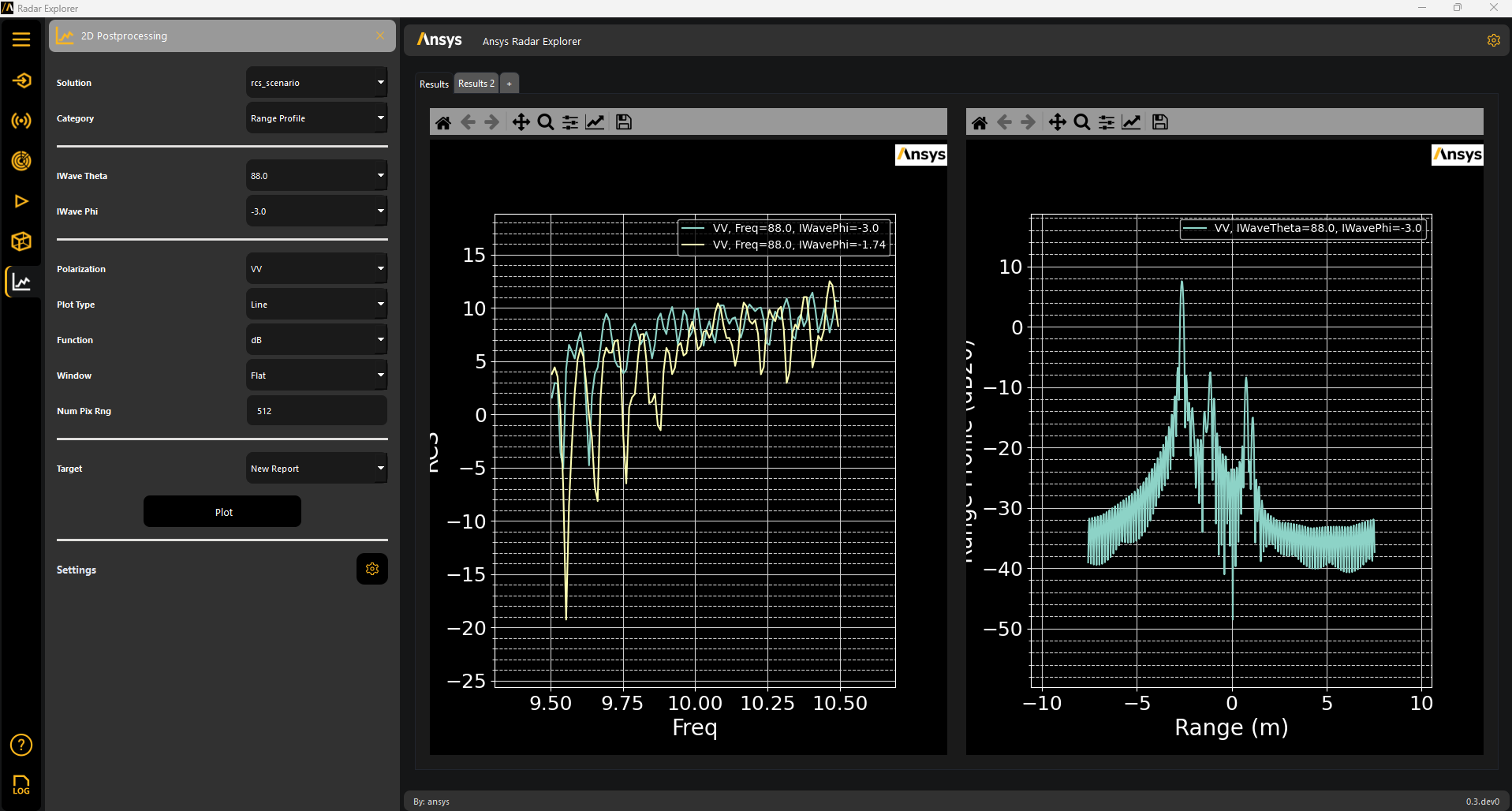
The 2D Postprocessing panel lets you plot multiple plots in one single result tab, in the same tab, or even in the same plot.
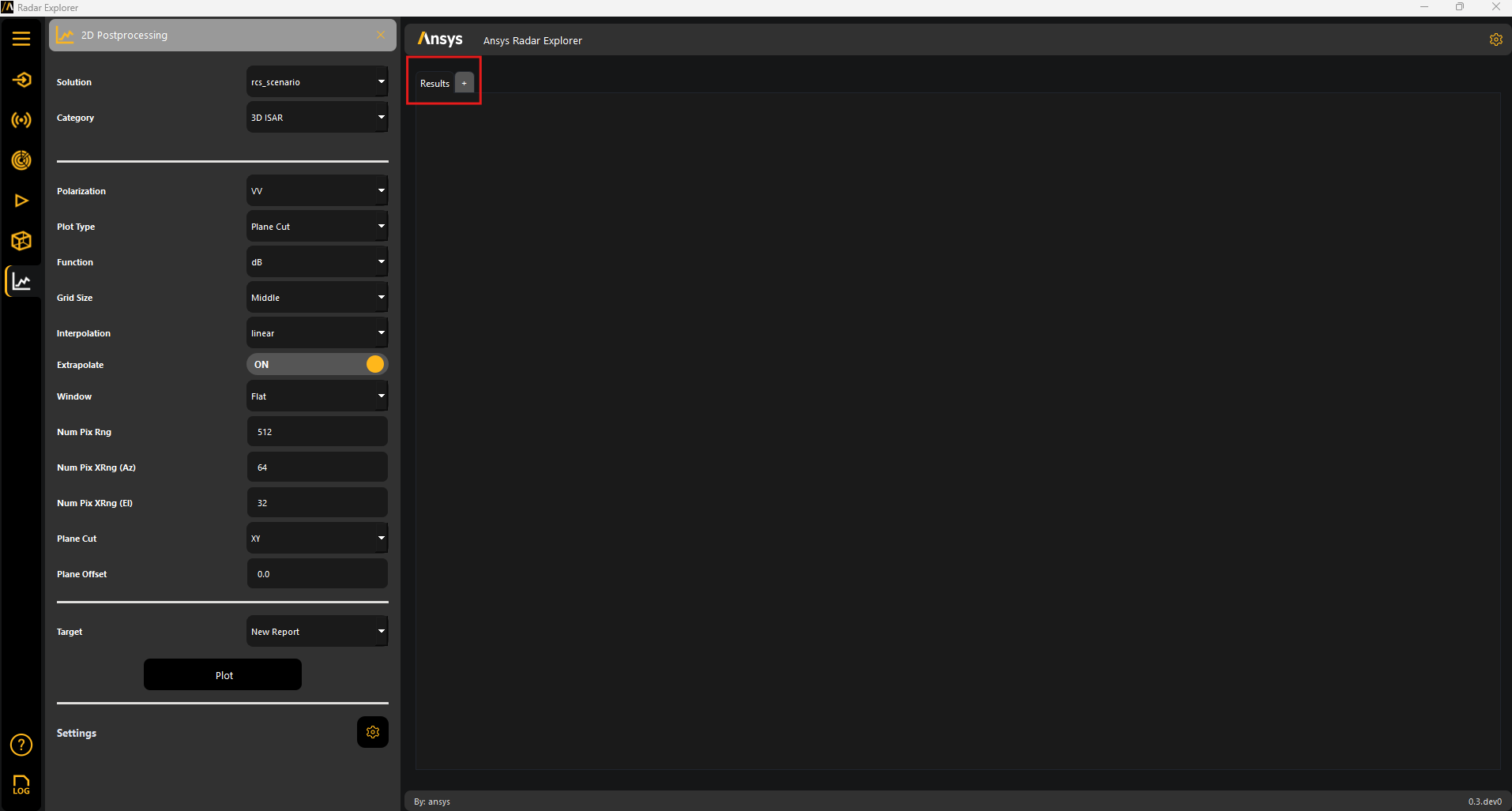
Note
You can access 2D settings to change the plot settings.
Clicking Plot generates 2D plots based on the specified settings.
2D settings#
Under Settings, click the gear icon to display the Post 2D settings panel for the generated plots:
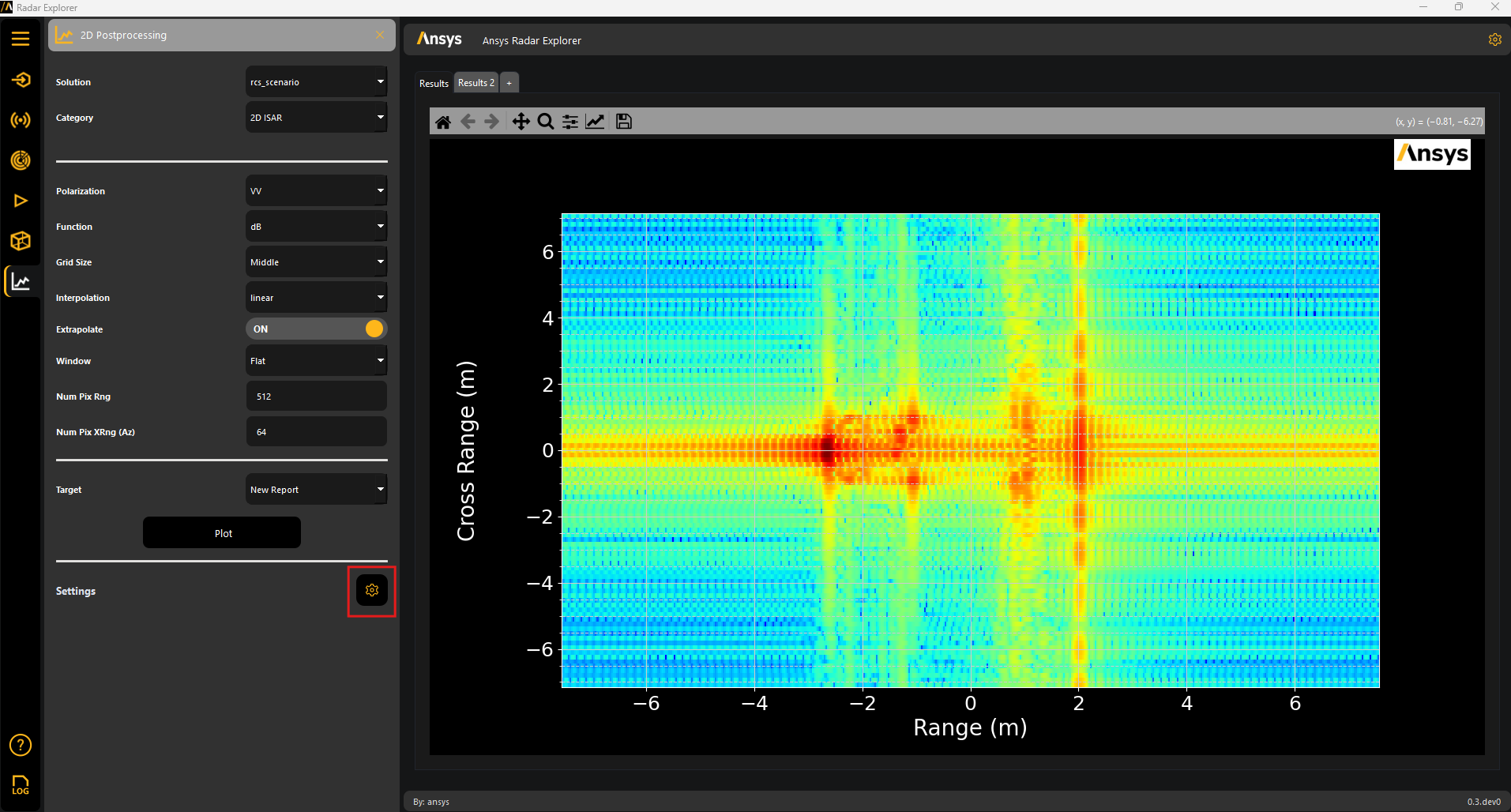
View, modify, and delete plots if necessary.
