

Settings#
The Settings panel lets you configure options for launching or connecting to an AEDT session in graphical or non-graphical mode.
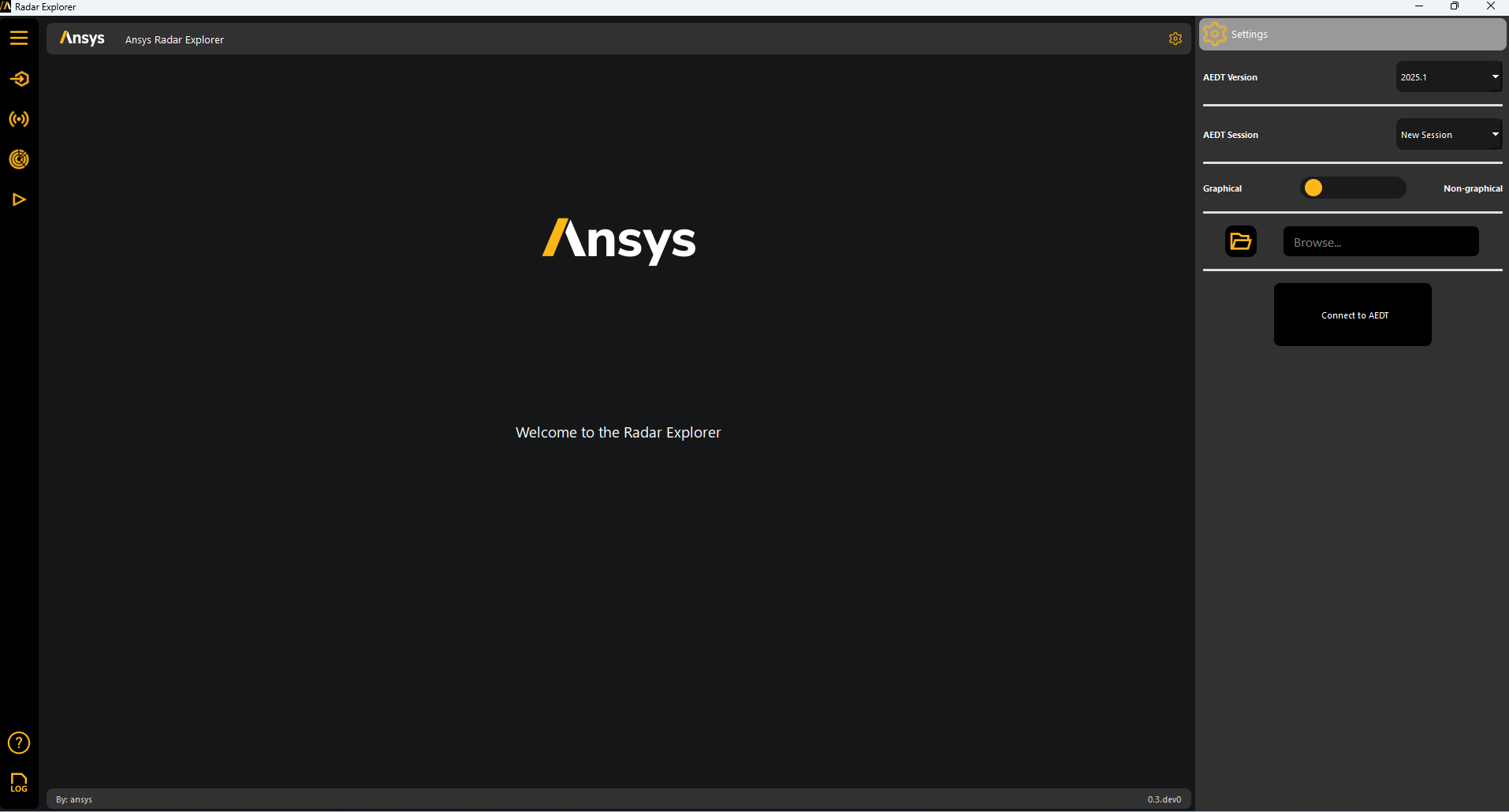
Open an existing project (if not already open) and specify the desired AEDT version.
After the toolkit connects, the Settings panel becomes unavailable.
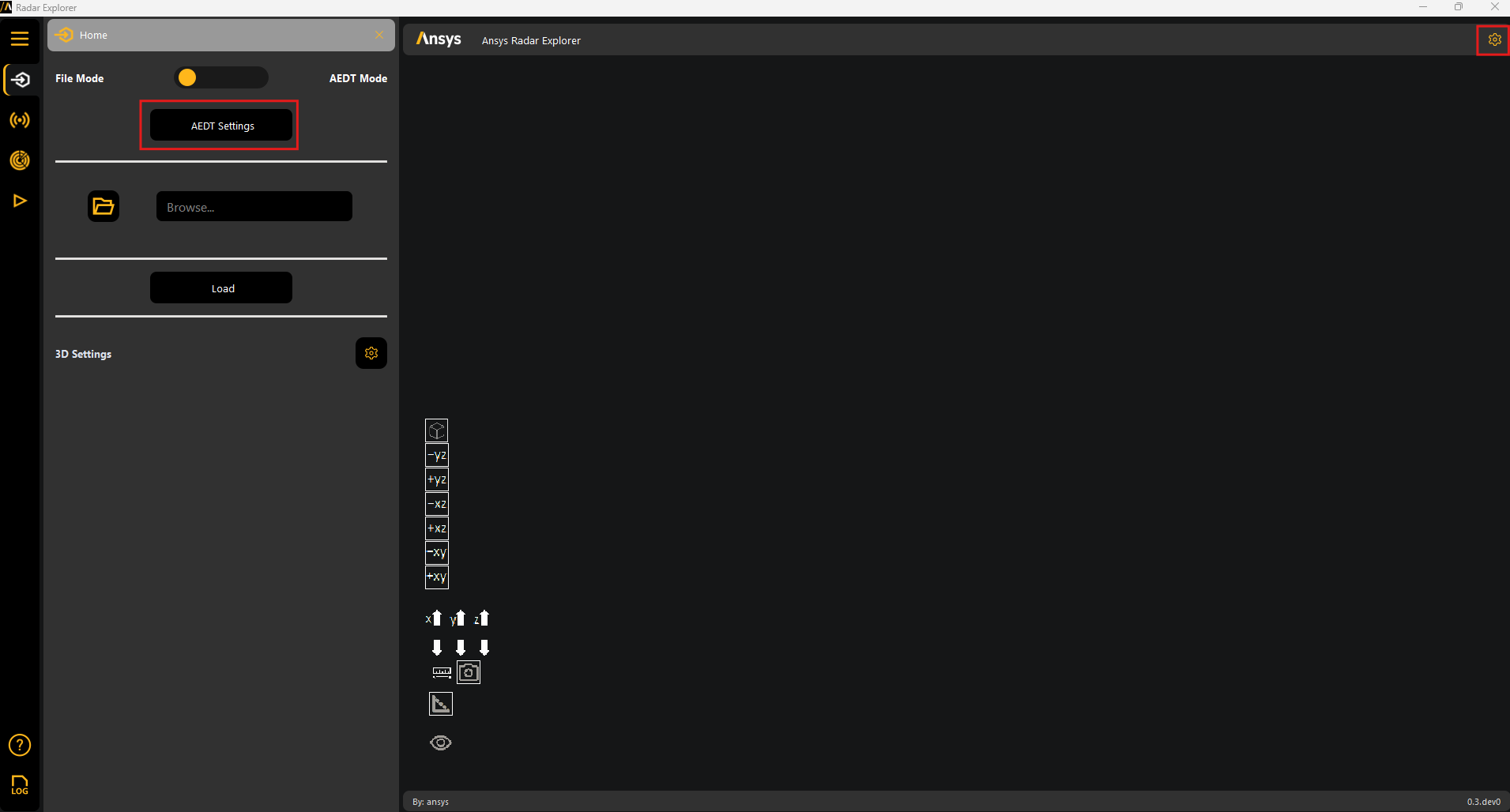
Access the Settings panel from the tool icon or Home panel:
Toolkit progress#
The toolkit interface includes a progress indicator and a logger box that displays the status of ongoing operations:

Help#
Use the Help panel to access the following options:
About: Displays information about the toolkit.
Documentation website: Opens the official documentation website.
Issue tracker: Opens the repository’s Issues page, where you can submit bugs or request enhancements.
